
ROCK AN TUTORING

Subjects
In grades 9-12, students encounter a variety of mathematical topics that form the foundation for advanced studies and real-world applications.
I have worked with students in Ontario, Alberta and British Columbia, aiding in both the -1(university) and -2(mixed) math curriculums. Helping with topics such as:
➤ Pre-calculus, preparing students for the concepts of calculus through advanced algebra and trigonometric functions;
➤ Calculus, introducing the fundamental concepts of limits, derivatives, and integrals, essential for many fields of study.
➤ Algebra, teaching students to manipulate equations and understand functions;
➤ Trigonometry, focusing on the relationships between angles and sides of triangles
➤ Geometry, exploring shapes, sizes, and the properties of space;
Collectively, these topics equip students with critical thinking skills and a deep understanding of mathematical principles that will serve them in future academic pursuits and everyday problem-solving situations.


Some of the courses I can help with:
Ontario:
➤ Math 9: Mathematics
➤Math 10: Principles of Mathematics
➤Math 10: Foundations of Mathematics
➤Math 11: Functions
➤Math 11: Functions and Applications
➤Math 12: Advanced Functions
Please note: I am unable to tutor Math 12: Calculus and Vectors
BC:
➤Math 9
➤Math 10: Foundations and Pre-Calculus
➤Math11: Precalculus
➤Math 12: Pre-Calculus
➤Math 12: Calculus
This is not an exhaustive list. Please reach out if your course is not on this list to see if I am able to support it.
Alberta:
➤Math 9
➤Math 10C
➤Math 20-1 & -2
➤Math 30-1 & -2
➤Math 31
Session Information
All sessions are taught in spoken English, but both English and French courses can be supported.
Sessions are 1 hour.
Session requirements:
➤A computer with video capability
➤Access to Internet
➤A quiet place free of distractions
➤1-24 hours prior to the session: Send notes or problems you would like to go over
Cost:
1 hour sessions:
➤Grade 9: $50
➤Grades 10-12: $60
What will happen in a session:
Follow the google meet link shared with you via email to join our session.
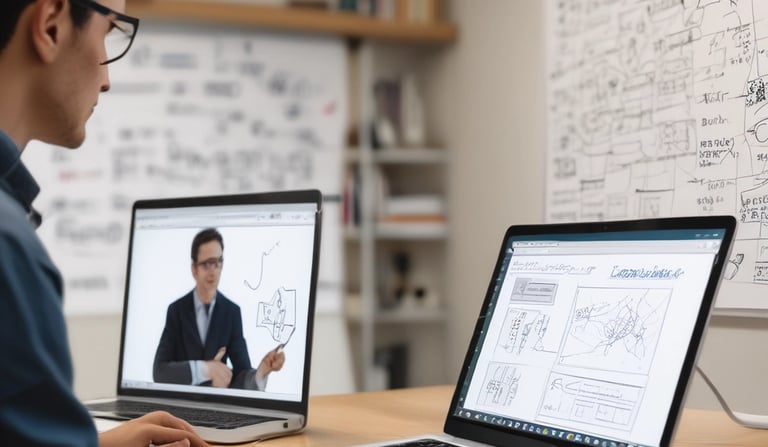
On the first session you will be prompted to install an add-on called Miro, a virtual whiteboard allowing both meeting attendants to interact and edit.
Once installed we will start our session.
We will start by discussing how you like to learn and then get to know each other.
Then we will begin going over problems or topics.
We will finish with any other questions you may have.

Expert math tutoring for Canadian high school students.
Support
Learn
info@rockantutoring.ca
(825) 559-9646
© 2024. All rights reserved.